
vector camera for iphone
vector — not pixels
every shot saves a real SVG — a drawing made of lines, not a photo. not a filter. a tool.

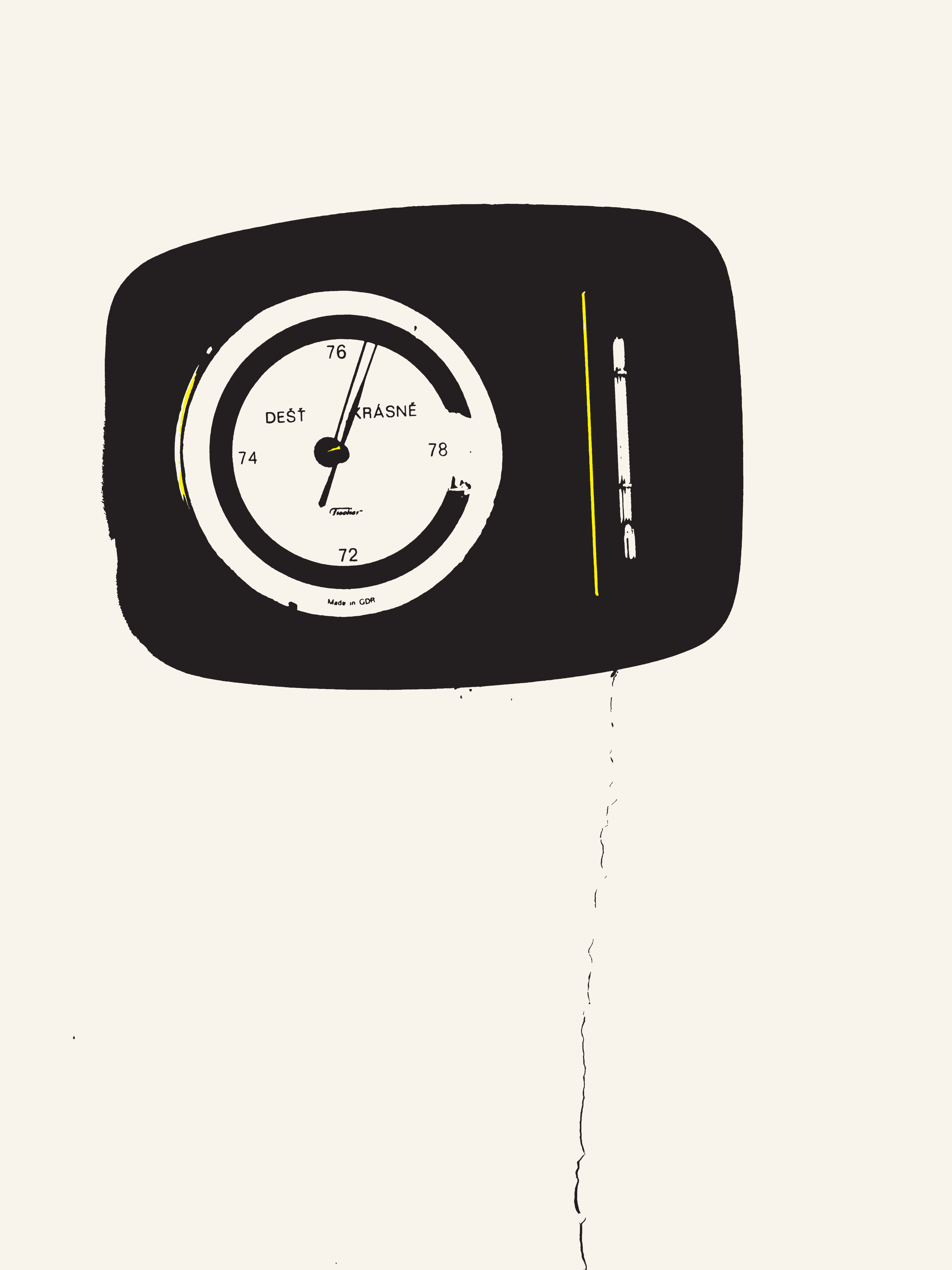
01 the viewfinder
composed, not corrected
if it looks right on the screen, it prints right.

The viewfinder does not show a photo. It shows the drawing the app is making, live. You press the button when the drawing looks right.
No AI. The app traces the edges it sees, using the phone’s graphics chip. The same scene gives the same lines, every time. A darkroom, not a slot machine.
How much ink the picture uses is a dial, not a guess. Turn it and the drawing changes under your thumb, live — while you are still standing in front of the thing you are drawing.
02 the files
every shot writes itself
three files, by themselves — nothing to export, nothing to convert.


The master drawing. Real curves, closed shapes, one named layer for each printing ink. It opens in Illustrator, Inkscape, Affinity or Figma, and a cutting plotter can follow it.
The preview. A normal image for people, posts and layouts — the thing you show someone who will never open a design app.
The print file. A PDF a print shop can use as it is: one page per ink — cyan, magenta, yellow, black — alignment marks, the finished size in millimetres, and the screen settings written on every page.
Four solid inks on the same spot come to 400%. No press can dry that: the sheet comes off wet and prints itself onto the back of the next one. So the print file is held under 330%, the figure a poster house runs on coated stock. Every page prints the job’s own measured load in its margin — a number to read, not a claim to trust.
- modes
- mono (1 ink) · pop (2) · cmyk (4)
- size
- A4 to 4000 mm
- tested at
- 841 mm · 4000 mm
- not
- PDF/X · no embedded colour profile
name another camera app that hands a print shop a finished job.
03 one scene, seven settings
the same building, seven ways
the dial, not a filter: one shot of one facade, traced at seven settings. the drawing changes; the building does not.


04 the phone
nothing you make leaves the phone
no account, no upload, no analytics. the app’s one connection is to the App Store.
No photograph is saved and nothing you make is ever sent anywhere. The photo is thrown away the moment the drawing exists; the drawing is what you keep. Buying is the only thing in the app that needs a connection, and the App Store handles it. The privacy policy says the same thing in more words.
- Works on a plane.
- Uses the full resolution of your phone’s camera.
- Buy it once, or by the year.
05 the questions
asked most
is it a filter, or a tracing app?
Neither. Other apps trace a photo you already took. Here the viewfinder itself makes the drawing, live.
can a print shop use the files?
Yes, as it is: the pdf above is the whole job. It is not PDF/X — if your shop needs one, say so.
06 the way in
try it on a real job
free to try — every dial, every mode, and three full exports.
The three free exports are the whole instrument, not a sample of it: the SVG master and the print file together, unmarked, so you can open one in Illustrator, cut it on a plotter or hand it to a shop before you decide anything. The proof image is yours to keep for good, signed by the studio that made the tool.
After those there are two ways to go on — by the year, or once, the way you buy a lens. The App Store names the price in your own money, and a yearly plan renews through your Apple account until you stop it there.
TestFlight is open while the listing is in review. If you run a print shop, say so — you get a test print first. The job, as it arrives, is written up for print shops; or write to peace@discise.com.